
What Is Front-End Development? A Designer's Guide
What front-end development actually covers, the core tools, and why the gap between design and code is where most projects slow down.

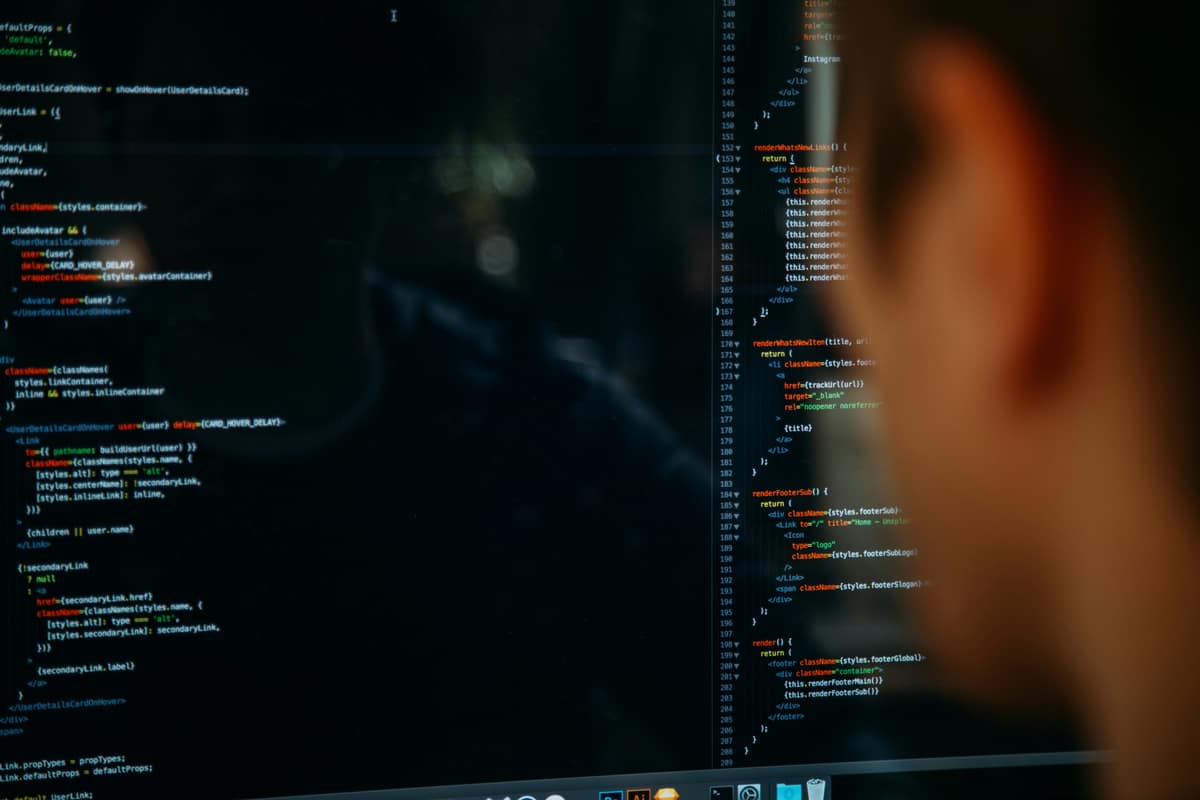
Front-end development is the work of turning a design into the part of a product people see and use in the browser. It covers the structure, styling, and behavior of an interface, built with HTML, CSS, and JavaScript, so that what a designer drew becomes something a user can click, type into, and navigate.
The three core languages
Every front-end, from a one-page site to a complex app, rests on three technologies. Each has a distinct job.
HTML: structure
HTML defines what is on the page: headings, paragraphs, buttons, forms, and images. It is the skeleton. Good HTML is also where accessibility starts, because screen readers and search engines read the structure before anything else.
CSS: presentation
CSS controls how the page looks: color, type, spacing, layout, and responsiveness across screen sizes. This is where a design system lives in the browser, and where consistency is won or lost.
JavaScript: behavior
JavaScript makes the page respond: menus open, forms validate, content loads without a refresh. Most modern apps build this layer with a framework like React, Vue, or Svelte rather than writing everything by hand.
Front-end vs back-end
A quick distinction that trips people up. The front-end is everything that runs in the user's browser: the interface and its behavior. The back-end is the server, database, and logic the user never sees directly. When you submit a form, the front-end collects what you typed and the back-end stores it. Many developers work across both and call themselves full-stack.
What front-end developers actually do
- Translate designs into responsive, accessible markup and styles.
- Build reusable UI components instead of one-off screens.
- Make interfaces work across browsers, devices, and screen sizes.
- Optimize for performance, because slow pages lose users.
- Wire the interface to data from the back-end.
Why the design-to-code handoff matters
The slowest part of most projects is not the design or the build. It is the gap between them. When a design hands off as a flat picture, a developer reinterprets every spacing value, state, and edge case, and the result drifts from the original. When the design ships as a system of tokens and components, the handoff is almost mechanical. That is why I build design systems that map cleanly to code, covered in From Figma to Code.
How a designer should think about the front-end
You do not need to write production code to design for it, but understanding the medium changes the work. Knowing how CSS handles layout, states, and responsiveness leads to designs that are buildable on the first try instead of the third. The closer your design decisions sit to how the browser actually renders them, the less is lost in translation.
Frequently asked questions
Do I need to learn JavaScript to do front-end work?
For static sites and simple interfaces, strong HTML and CSS go a long way. Anything interactive or data-driven needs JavaScript, usually through a framework. Most front-end roles expect all three.
Is front-end development the same as web design?
No. Web design decides how a product looks and works; front-end development builds it in the browser. Some people, including me, do both, which removes the handoff entirely.
What is a front-end framework?
A framework like React or Vue gives you a structured way to build interfaces from reusable components and manage how they update as data changes, so you write less repetitive code.
Need design that ships as clean front-end code?
I'm Jak. I design interfaces and build them, so what gets approved is what gets shipped, no lossy handoff in between. Take a look at what I've shipped.
See my workRelated posts
View all
Years of
Experience
Projects
Finished
Unique
Clients Served
Client
Nationalities
Want to see what I can do?
Reading about it is one thing. Take a look at the products, design systems, and interfaces I've actually shipped, then decide if we're a fit.
View my workLike what you see? You'll find how to reach me on the work page and in the menu.